8171 Verification Not Completed
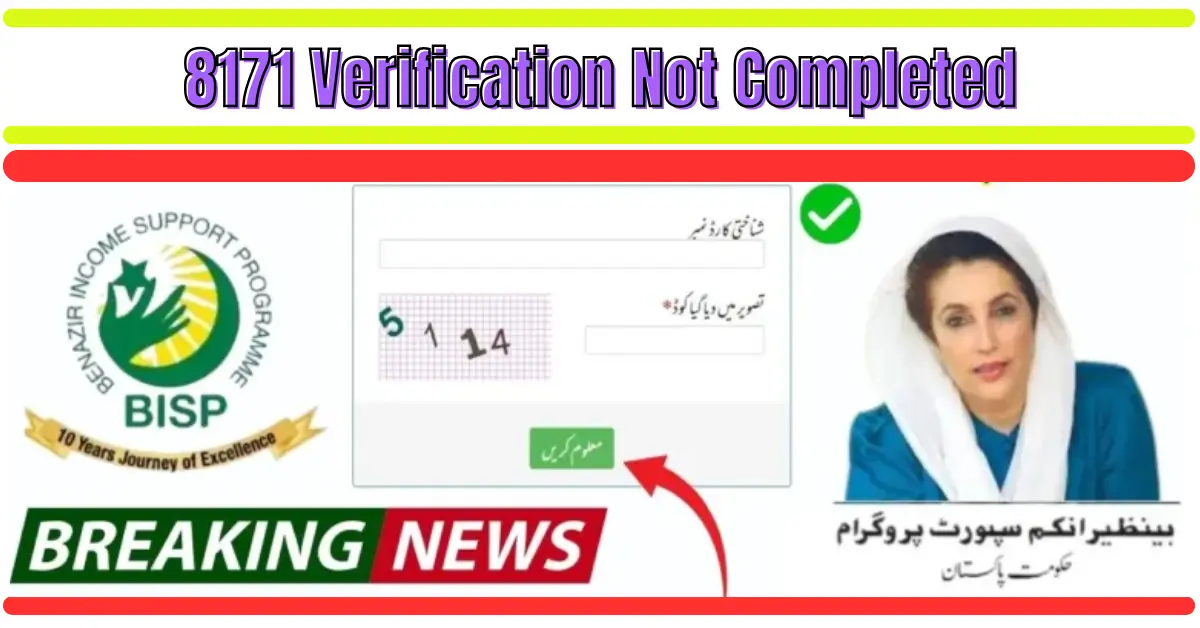
8171 Verification Not Completed. Many applicants of the Benazir Income Support Programme (BISP) and the Ehsaas Program often see the message “8171 Verification Not Completed” when they check their eligibility online. This message simply means that your household data has not been fully verified by NADRA or BISP yet.
Due to this incomplete verification, your payment cannot be released until the record is updated. Understanding why your verification is pending is the first step toward fixing the issue.
Reasons Why 8171 Verification Is Not Completed
1. Incomplete NADRA Record
One of the biggest reasons for verification failure is an outdated CNIC record. If your family details, address, phone number, or fingerprints are not updated, the system marks you as “pending verification.”
2. Missing Family Data in NSER
The National Socio-Economic Registry (NSER) must have your complete household information. If you haven’t updated your survey recently, the system cannot confirm your eligibility.
3. Biometric Verification Issues
Sometimes, fingerprint mismatches during verification at BISP offices or retailers cause delays.
4. Change in Income or Household Status
If your income, job status, or family situation has changed, BISP requires a new verification to confirm whether you still qualify.
5. System Error or Server Delay
Due to heavy online traffic, the system sometimes shows a “verification pending” message even if your record is correct.
How to Fix 8171 Verification Not Completed (Step-by-Step Guide)
1. Visit the Nearest NADRA Office
A. Update Your CNIC Information
Make sure your CNIC includes:
- Correct family details
- Updated address
- Valid marital status
- Latest fingerprints
Even a small mistake in your record can stop verification.
B. Re-Submit Fingerprints
If you previously faced biometric errors, ask NADRA staff to update your fingerprints properly.
2. Complete Your NSER Survey Again
A. Visit BISP Tehsil Center
Take the following documents:
- Original CNIC
- B-Form of your children
- Utility bills
- Bay-form for family verification
B. Provide Accurate Details
Make sure you provide the correct information about:
- Monthly income
- Number of family members
- Education status
- Living conditions
The more accurate your information, the faster your verification will be completed.
3. Send Your CNIC to 8171 Again
After updating your information, send your CNIC number without dashes to 8171.
You may receive one of these messages:
- “Verification Completed”
- “You are Eligible”
- “Verification Pending” (if it still hasn’t updated)
If the pending message appears again, wait 48 hours for the system to refresh.
4. Check Your Status Online on the 8171 Web Portal
Visit the official portal and enter:
- CNIC number
- CAPTCHA code
The website will show your current status. If the portal shows “Verification Not Completed,” proceed with updating your NSER data.
How Long Does Verification Take?
NADRA Updates
Usually, 24–72 hours after a biometric update.
NSER Survey
It may take 7–15 days, depending on the workload.
BISP Approval
Once verification is completed, your name will appear in the beneficiary list within 2–4 weeks.
Common Mistakes That Delay Verification
Wrong or Old Phone Number
If you changed your number recently, update it in NADRA records.
Not Updating Household Changes
Deaths, marriages, and newborn children — all must be updated.
Income Not Mentioned Properly
Incorrect income details often cause rejection.
Missing Documents
Incomplete documentation slows down the approval process.
How to Ensure Your Verification Gets Approved Fast
1. Keep Your CNIC Valid and Updated
Expired CNIC = verification blocked.
Make sure your CNIC is always valid.
2. Regularly Update Your NSER Details
If your family situation changes, visit a BISP center to update your survey.
3. Use the Same SIM for 8171 Messages
BISP verification works faster when you use your registered number.
4. Visit the BISP Tehsil Office for Manual Verification
If nothing works online, manual verification is the final option.
When Will You Receive Payment After Verification?
Once your “8171 Verification Not Completed” status changes to “Verified”, you will receive your next payment in the upcoming cycle.
Payments are usually released every:
- 3 months (quarterly payments)
- Monthly updates in special programs
You will receive a confirmation message on your mobile number.
Frequently Asked Questions (FAQ)
Q1: I updated my data but still see “verification not completed.” What should I do?
Wait 48 hours. If the issue continues, visit the BISP office again.
Q2: Does the verification process cost money?
No. Both NSER and BISP verification are 100% free.
Q3: Can I complete verification online?
No. You must visit NADRA or a BISP center for biometric updates.
Q4: Do I need to re-apply every year?
No. You only update your information when your household details change.
Final Words
The message “8171 Verification Not Completed” is very common, but the good news is that it’s easy to fix. Updating your CNIC, completing your NSER survey, and sending your CNIC to 8171 again usually resolves the issue within a few days. Once verified, you become eligible to receive your payments without any delays.